Picture a 25-person distribution company that has used the same accounting package for years. Stock levels live in a spreadsheet, and customer orders arrive by phone and WhatsApp. Everything sort of works, yet month-end stocktakes take days and the numbers never match the first time. That is when the question comes up: ERP vs accounting software. Do we need a bigger system, or is ERP overkill for a company our size? This guide helps you answer from what happens in your daily operations, not from vendor feature lists.
What is the real difference?
Accounting software records the financial result of what happened: invoices, expenses, journal entries, bank accounts and financial statements. It answers the question “how much did we earn and spend?”
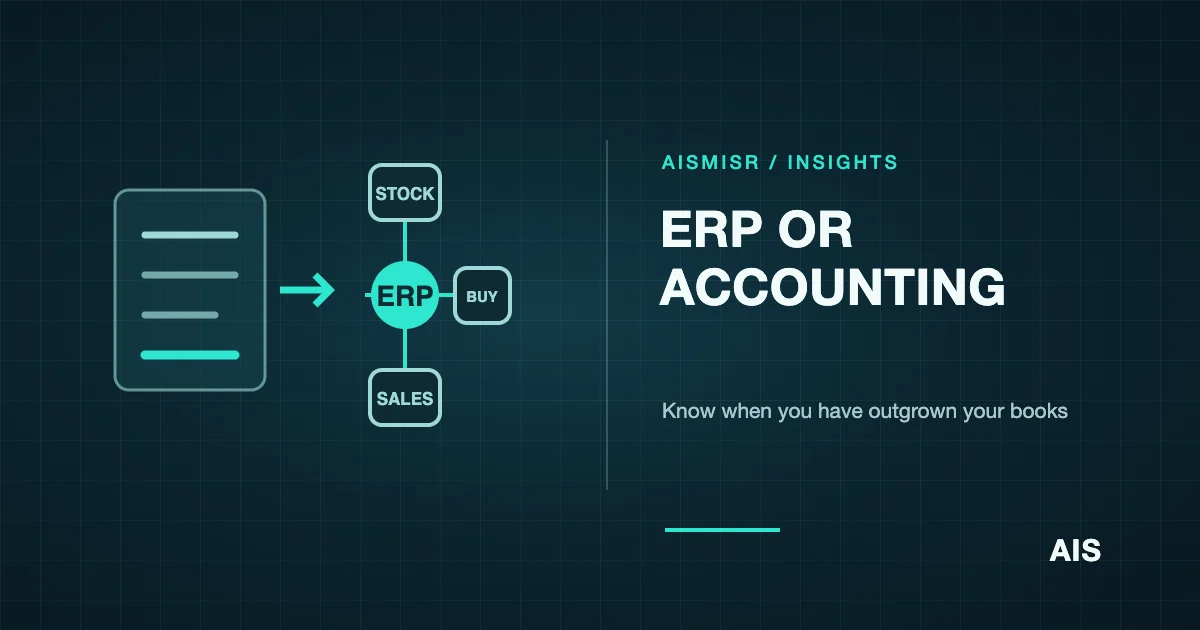
An ERP system (enterprise resource planning) connects the operations themselves: sales, purchasing, inventory, and sometimes production and HR, with accounting as one part of the picture. When a salesperson sells an item, stock is reduced, the invoice is created and the accounting entry is posted at the same moment, without anyone typing the data twice.
Put simply, accounting software records the outcome, while ERP manages the path that leads to it.
Six signs your accounting software is no longer enough
- Inventory lives outside the system: quantities sit in a spreadsheet or notebook and are updated by hand after every sale or delivery. Any mistake or delay means selling items you no longer have, or overstocking items that do not move.
- The same data is entered more than once: the order is written in one place, the invoice in the accounting package and the stock deduction in a third file. Every extra entry is another chance for an error.
- Stock counts never reconcile: the gap between book and physical stock appears every month, and nobody can tell where it came from.
- Management reports take days: to see profitability by product, customer or branch, someone manually combines data from several files.
- More than one branch or warehouse: each location runs on its own files, so there is no single view of stock and sales.
- Dependence on one person: one employee “knows everything,” and when they are away, work slows down or the numbers arrive late.
If two or three of these sound familiar, the problem is probably no longer accounting itself. It is the lack of connection between your operations.
When accounting software is genuinely enough
Not every company needs ERP, and moving too early can cost more than it saves. Accounting software is usually sufficient when:
- You run a service business with little or no inventory, such as consulting or design.
- The number of daily invoices and transactions is small and easy to review.
- You have one location and a small team that understands every process.
- Standard financial reports are enough for management decisions.
In that case, the smarter move may be to use your current software better, or connect it to a point-of-sale system or a simple inventory tool, rather than adopting a full ERP.
What to budget for before switching to ERP
The cost of an ERP system is more than the license or subscription. Plan for:
- Configuration and customization: setting up accounts, items and permissions to match how you work.
- Data migration: cleaning customer records, item lists and opening balances before importing them. Messy data carries its problems into the new system.
- Training: staff time spent learning, plus a period of running old and new systems in parallel.
- Integrations: with your website, online store or POS terminals. When you connect systems, follow our API integration acceptance checklist.
- Support and maintenance after go-live, every year.
You will also need to choose between an off-the-shelf ERP and a system built around your processes; our guide to custom software vs ready-made SaaS walks through that decision.
How to migrate in phases without stopping work
- Start with the biggest pain point: usually inventory and sales, then purchasing, then the remaining modules.
- Clean your data first: a single item list with clear codes, reviewed opening balances and a customer list without duplicates.
- Pick a quiet start date: the beginning of a month or quarter, away from your peak season, with a physical stock count on day one.
- Run both systems in parallel for a short, defined period and compare figures daily.
- Train each user on their own tasks instead of a general session covering everything.
- Review after one month: what is still done by hand, and which reports does management need that are not set up yet?
For criteria to evaluate the system itself, see our guide to choosing an ERP system. For an example of an integrated system connecting several operations, read our hospital ERP case study covering patients, insurance and billing.
Frequently asked questions
Can we keep our current accounting software alongside an ERP?
In some cases, yes. The ERP can handle inventory, sales and purchasing, then send entries to the accounting package your accountant already knows. This reduces the amount of change, but it requires a reliable integration and careful testing before you depend on it.
Is ERP suitable for small businesses?
Company size is not the only factor. A small business with significant inventory and several warehouses may benefit from ERP more than a larger company that only sells services. Start with the modules that solve your main problem and expand later.
How long does an ERP implementation take?
It depends on the number of modules, the state of your data and the number of locations. A first phase covering one module can take weeks, while a full rollout can run for months. Ask any vendor for a phased timeline with clear deliverables for each stage.
The real question is not “ERP or accounting”
The better question is whether your daily operations are connected or scattered across files and programs. If they are scattered and cost you time and errors every month, an ERP system, or even a well-planned integration between the tools you already use, deserves serious consideration. If your operations are simple and limited, good accounting software is enough.
If you are not sure where your company stands, the AISMISR software design and development team can review how you work today and tell you whether you need a full ERP or a simpler connection between the systems you already have.